Basics of robot programming: tasks, tools, career path
Other
Robot programming basics: tasks, tools, career path | Syneo
A comprehensive guide to robot programming: typical tasks (pick-and-place, palletizing, welding), necessary tools, safety, and career opportunities in manufacturing.
robot programming, automation, industrial robots, PLC, vision, integration, safety, career, digitization, robotics
February 10, 2026
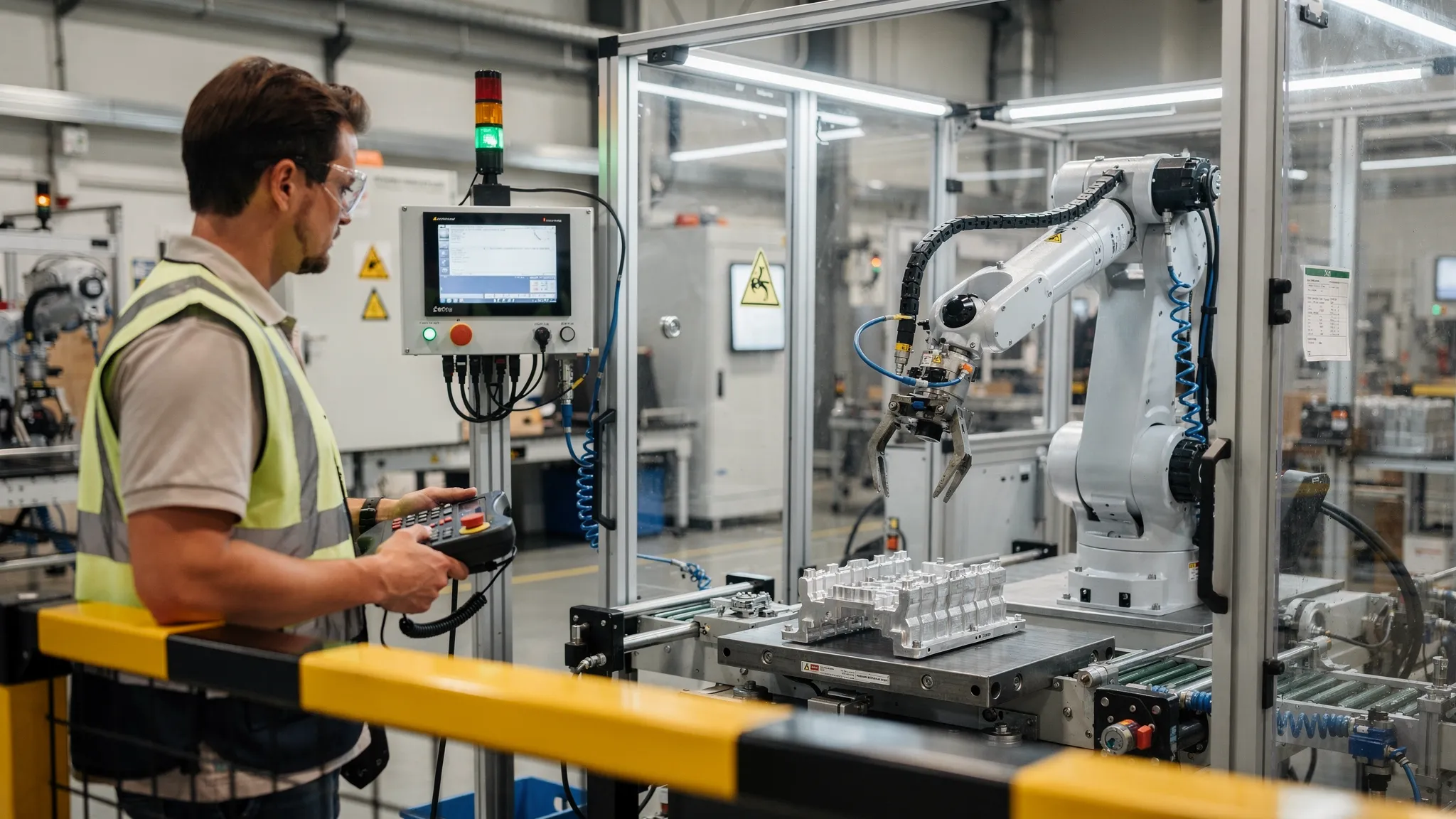
Robot programming is no longer the preserve of the automotive industry. More and more Hungarian manufacturers and logistics companies are automating welding, machine tending, palletizing, and quality control because labor shortages, stable quality requirements, and short delivery times make it necessary. If you are new to the subject, the good news is that the basic logic of robot programming is similar regardless of the manufacturer. The differences are typically in the syntax, the development environment, and the integration around the cell.
What does robot programming mean in practice?
Robot programming refers to determining the movement and behavior of industrial (and increasingly collaborative) robots so that they can perform a given task safely, repetitively, and with optimized cycle times.
In real projects, the "program" rarely consists solely of recording movement points. Typically, it includes:
control of peripherals (gripper, welder, dispenser, camera, measuring device) via I/O or fieldbus,
error handling and recovery logic,
operator usability (HMI-type screens, operating modes, permissions),
operation in line with the security concept.
In the background, there is the complete automation of the cell: PLC, sensors, pneumatic components, industrial networks, and often data connections to manufacturing execution systems (MES/ERP).
Typical robot tasks, and what knowledge is required for them?
The table below helps you quickly see what skills each common robot goal requires. (It is not the language that is critical, but the type of problem.)
Robot task | Typical industry example | Critical programming topics | Common "hidden" pitfalls |
Pick and place | sorting, packaging | fast movements, collision avoidance, I/O synchronization | repeatability of gripping, component scatter |
Machine maintenance | CNC, injection molding service | handshake with PLC, waiting times, fault tolerance | door lock, security loops, cycle time |
Palletizing | warehouse, delivery | patterns, dynamic positions, weight management | pallet tolerances, box deformation |
Welding | automotive suppliers | paths, speed profile, tool coordinates | weld quality, cable routing, splashing |
Gluing/dosing | electronics, plastics | constant speed, track smoothing | viscosity, temperature, droplet formation |
Vision pick | mixed parts | camera triggers, coordinate transformation | calibration, lighting conditions, delay |
If you are just starting out, it is worth learning with tasks where the conditions for success are clear (e.g., simple pick and place), then gradually introducing real industrial complexity: PLC handshake, fault tolerance, camera feedback.
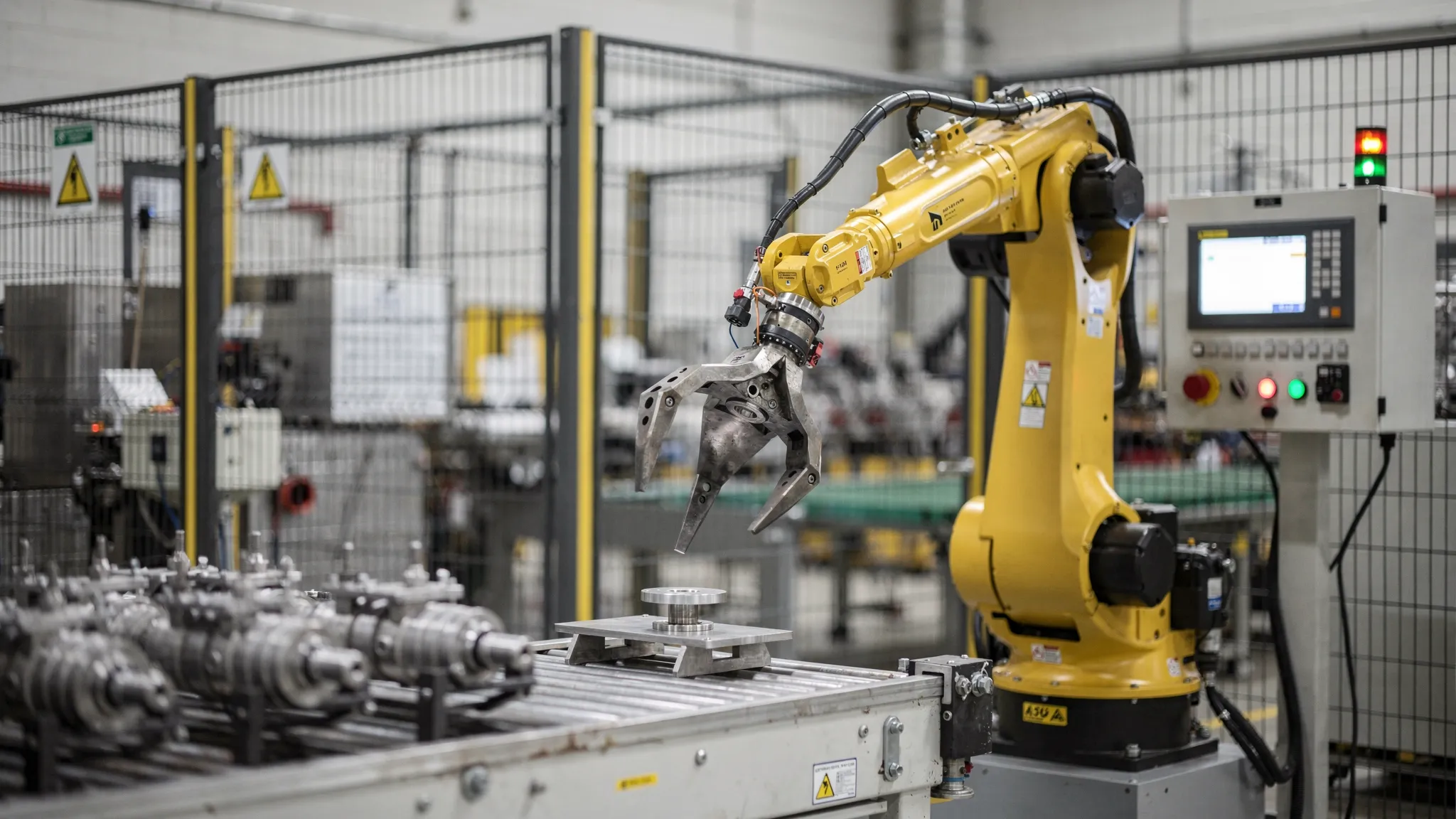
Basic concepts of robot programming that are common to all manufacturers
Coordinate systems: base, tool, workpiece
The robot's "world" is described by coordinate systems. The most important ones are:
Base (robot base): the robot's own base coordinates.
Tool / TCP (Tool Center Point): the tip of the tool (e.g., gripper finger, welding gun tip).
Workobject / User frame: the coordinates of the workpiece or jig.
Most subsequent inaccuracies originate from here: poorly recorded TCP, slipping workpiece clamping, missing recalibration. As a beginner, it is worth being very conscious of "what you are teaching points in relation to."
Types of movement: Joint vs. Linear, and track quality
With industrial robots, you often encounter two basic movements:
Joint movement: fast, but the tool path may "meander" in space.
Linear motion: TCP moves in an almost straight line, which is key in many technologies (gluing, welding).
Added to this are the issues of speed, acceleration, deceleration, and blending. Cycle time is often improved not by increasing maximum speed, but by eliminating unnecessary stops and overly conservative approaches.
I/O and event synchronization
Robot cells rarely operate in isolation. The robot must know:
when it can be grasped (vacuum OK, gripper closed),
when you can open the door,
when the machine cycle starts,
when the workpiece can be released.
In programming, this typically takes the form of digital I/O, analog signals, or industrial communication (Profinet, EtherNet/IP, EtherCAT). One criterion for a good robot program is that it runs stably even in a "noisy" industrial environment and provides meaningful error messages.
Error handling and restartability
In sharp production, the question is not whether there will be a failure, but how quickly and safely production can be restored. Basic requirement:
controlled stopping in case of danger,
clear error message (why it stopped),
minimizing operator steps,
restoration from a "half-finished" state (e.g., part in the gripper).
Safety: robot programming is not just a technical skill, but also a responsibility
Robot programming is always part of the safety concept. Basic standards for industrial robots include ISO 10218 (safety of robots and robotic systems), while ISO/TS 15066 is often used as a reference for collaborative applications. The details of the standards are typically not free, but the official websites provide an overview: for example, the overview of ISO 10218.
From a practical standpoint, this means that as a programmer, you need to understand:
What is the difference between automatic and manual (teach) mode?
how interlocks, safety inputs, emergency stops,
how to "approach safely" within the cell,
What is risk assessment, and why is it an unavoidable administrative task?
If you are unsure about this, it is worth working with an integrator or experienced safety expert. This is not an area where you can just "wing it."
Tools and environments: what does a robot programmer work with?
The robot programming toolkit has multiple layers: some are specific to the robot manufacturer, while others are general automation "basic tools."
Asset group | What do you use it for? | Typical examples |
Teach pendant (handheld controller) | training points, rights, diagnostics | manufacturer-dependent control units |
Offline programming and simulation | virtual cell, collision detection, cycle time estimation | ABB RobotStudio, FANUC ROBOGUIDE, KUKA.Sim, Yaskawa MotoSim |
PLC development environment | cell logic, handshakes, security logic integration | TIA Portal, Studio 5000, Codesys |
Vision tools | position and orientation determination | manufacturer-dependent cameras, OpenCV-based solutions |
Measurement and diagnostics | signal errors, network problems, sensor problems | multimeter, network diagnostics, logos |
Simulation is not just "nice animation." It provides business value when you can extract decision-supporting information from it: availability, collision risk, expected cycle time, intervention points.
Programming languages: what should you learn if you don't know which robot is coming?
Manufacturers' proprietary languages can vary greatly, but the underlying logic shares many common elements:
ABB: RAPID
KUKA: KRL
FANUC: TP programs, KAREL
Yaskawa: INFORM
Universal Robots: Polyscope, URScript
As a beginner, it is a good strategy to focus first on the common fundamentals (coordinates, movements, I/O, error handling) and only then delve into the syntax of a specific language. If you are interested in research or mobile robotics, the ROS 2 ecosystem may also be important, but in a manufacturing environment, the manufacturer's controller and PLC often continue to dominate.
Workflow: what does a "real" robot programming project look like?
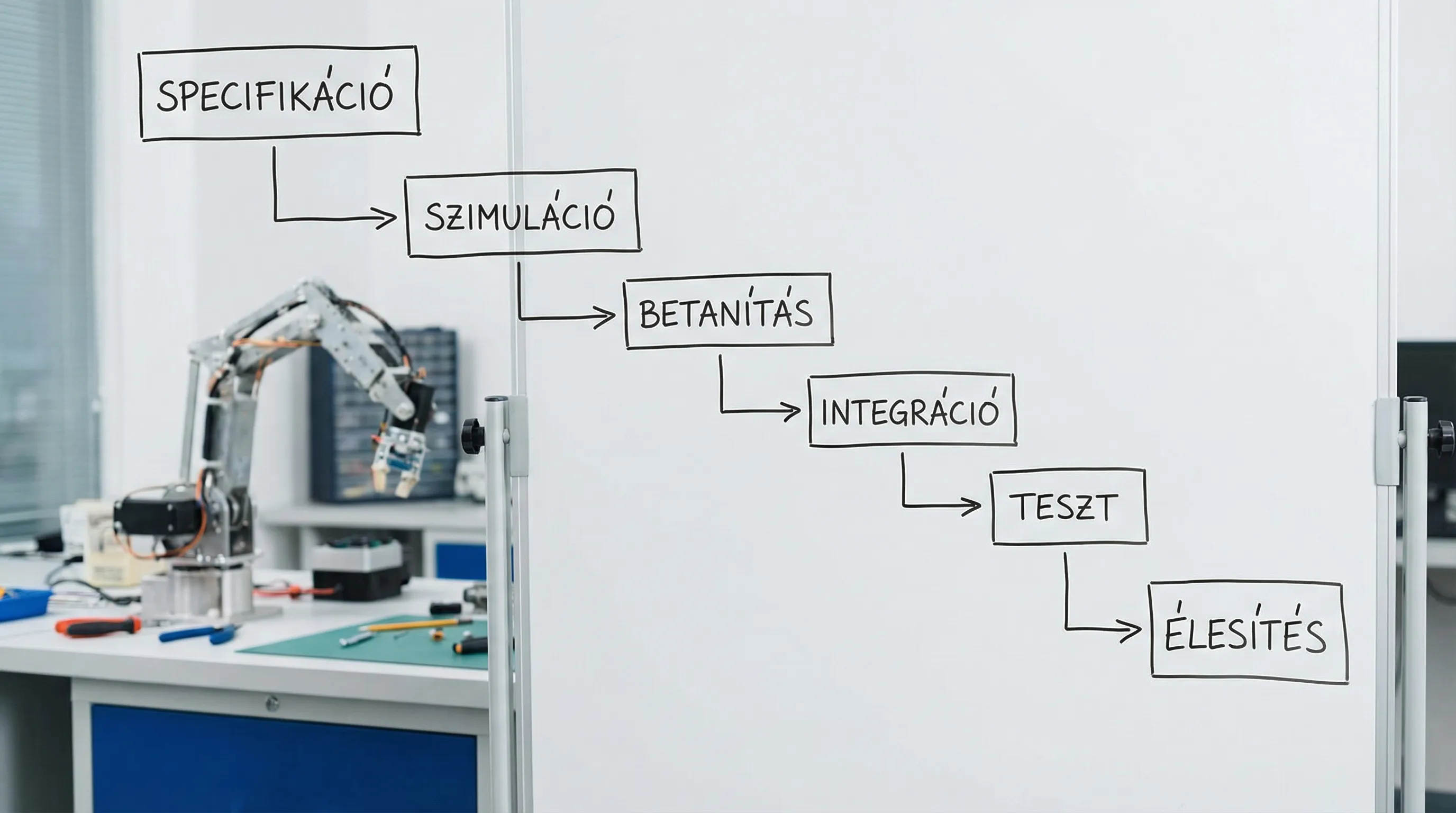
Robot programming typically proceeds as follows from start to stable production:
Defining tasks and cycle time targets (what constitutes "good" operation, with what tolerances)
Cell and peripheral specifications (grippers, sensors, dispensers, safety)
I/O list and handshake logic (robot-PLC-machine signal connections)
Simulation or preliminary validation (collision, reach, base tact)
Training and program structure (routines, operating modes, parameterization)
Error handling and recovery (what the robot should do in case of certain errors)
Activation tests (multiple shifts, different operators, variance)
Documentation and handover (operating instructions, maintenance points)
Most slippage occurs when the "program ready" status is confused with the "reliable production" status. The latter always requires actual testing time and manufacturer feedback.
What skills are needed (and which ones are worth developing specifically)?
Robot programmers become truly valuable when they not only "code" but also quickly find the cause of production line errors. The following skills provide the greatest leap forward in this regard:
Basic electrical and industrial signals (PNP/NPN, relays, sensors, shielding)
PLC basics (state machines, interlocks, diagnostics)
Mechanical approach (tolerances, fastening, vibration, cabling)
Pneumatics/vacuum basics (leaks, vacuum switches, venturi)
Data and log thinking (error reproduction, trends, logs)
Communication (with operators, maintenance staff, production management)
If you work in an industrial environment, the "soft" part is often just as important as the technical part. A well-transferred, well-documented cell means less downtime.
Career path: how can robot programming become a long-term profession?
A career in robot programming opens up in several directions, depending on whether you are more interested in mechanical engineering, control systems, or system-level integration.
Typical entry points
Robot operator: basic operation, handling simple errors.
Maintenance technician: peripherals, sensors, signal errors, basic restart procedures.
Junior robot programmer/automation engineer: training, simple cycles, documentation.
Moving forward with 2-5 years of experience
Integrator/cell manager: The system is assembled together with PLC, vision, and safety.
Cycle time optimizer, process developer: takt, OEE, quality, stability.
Project manager/technical manager: multiple cells, multiple suppliers, scheduling, and risk.
Long-term specializations
Vision and AI-based quality control (data, models, validation)
Digital twin and simulation engineering
DevOps-style operation and data collection (monitoring, logging, reports)
It is interesting to note that many companies now require the same approach to automation in both manufacturing and sales. For example, responding to and qualifying leads can be automated with AI, a good example of which is Orsay AI as AI-based Instagram lead generation and follow-up. The two worlds work with different tools, but the common denominator is the same: you describe the process, manage events, reduce errors, and deliver measurable results.
When is it worth bringing in an external team for robot programming?
Robot programming can be done in-house, but there are typical situations where external support is faster and safer:
if a new robot brand or new technology appears in the project (vision, gluing, welding),
if the safety and compliance risks are high,
if the cycle time and business return are tight, and there is no time for "learning money,"
if the robot cell is integrated with multiple systems (PLC, MES/ERP, quality assurance data collection).
Syneo deals with digitization and IT-focused projects where technology is translated into business results. In a robotic environment, this typically means that robot programming should be treated as part of the entire process: specification, integration, stable operation, and measurability (e.g., downtime causes, cycle time trends) together provide real value.
Summary: What will be the "basics" of robot programming in 2026?
By 2026, robot programming basics will no longer mean just recording movement points. The basics will be the reliable handling of coordinate systems, the synchronization of I/O and peripherals, reliable error handling, and respect for safe operation. Once this is in place, learning the manufacturer's language is much faster and career paths are more predictable: from operator to technician, from technician to programmer, from programmer to integrator or lead engineer.
If you're just getting started, the best investment is to complete a small, well-defined task (such as pick and place) so that at the end, it not only "works," but is also documented, repeatable, and stable in a production environment.
