Számlázz.hu Electronic Invoicing: Settings and Common Pitfalls
E-Invoice
Számlázz.hu Electronic Invoices: Settings and Common Pitfalls | Syneo
A Practical Guide for Számlázz.hu Users: Which settings to check when issuing e-invoices, how to prevent errors in master data, tax authority (NAV) information, and delivery details, and what to archive correctly.
szamlazz.hu, e-invoice, e-szamla, NAV Online Invoice, archiving, master data, delivery, NAV data reporting, compliance, SME, integration, invoicing, transition
March 14, 2026

By 2026, e-invoicing will no longer be a “convenience feature,” but rather a daily operational and compliance issue for an increasing number of companies. Számlázz.hu can be a strong choice for SMEs, but the same mistakes typically recur when setting up electronic invoicing: inaccurate master data, a misunderstanding of what e-invoicing entails, delayed tax authority data reporting, and a “I’ll do it later” approach to long-term archiving.
This article focuses on which settings you should check in Számlázz.hu when issuing electronic invoices, and what the most common pitfalls are that can lead to errors, customer complaints, or future audit issues. (The names and locations of menu items may change over time, so I’m providing the logic and checkpoints rather than a screenshot-style “click here” description.)
Before you set anything up: clarify the role of e-invoicing in your process
Many misunderstandings stem from the fact that, for the team, “e-invoice” simply meant “sending a PDF via email.” In terms of Hungarian compliance, the key requirements for e-invoices are, in brief:
authenticity of the original (identifiability of the issuer),
data integrity (data must not be able to be modified without detection),
readability (can be opened and understood later),
Retention and retrievability until the end of the retention period.
For a more detailed 2026 checklist for issuing and archiving e-invoices (not specific to Számlázz.hu), you may want to review this as well: E-invoice 2026: Checklist for Issuing and Archiving.
Számlázz.hu electronic invoices: key settings
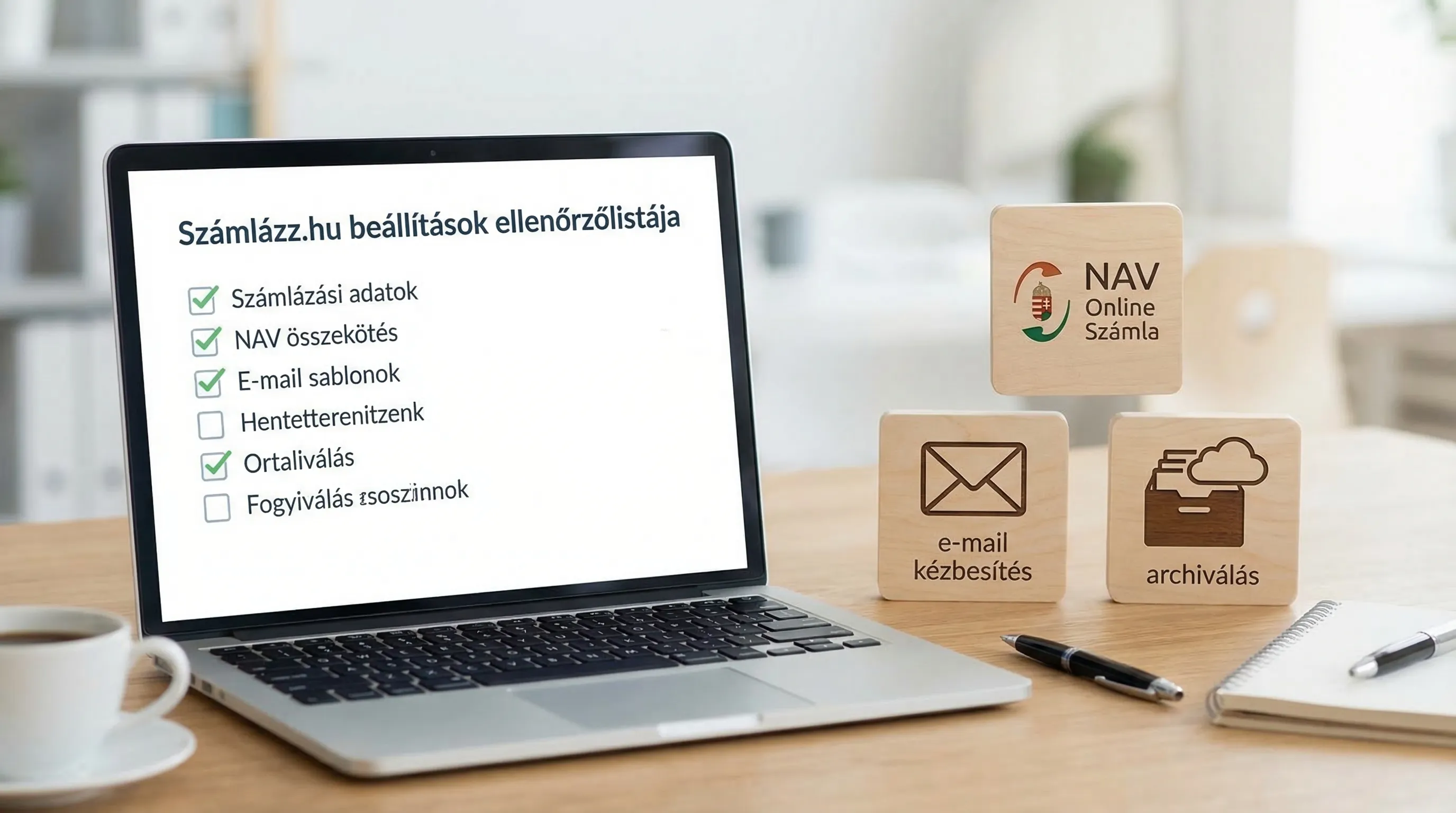
The search for “számlázz hu electronic invoice” typically stems from the need for a company to issue e-invoices quickly and accurately, while ensuring that NAV data reporting, delivery, and archiving are not neglected. To achieve this, you should review the following settings.
Company profile information and tax status: this is where most teams go wrong
In the case of e-invoices, inaccurate issuer information is not “merely an aesthetic” problem. Typical checks include:
The company name, address, and tax ID number must be listed exactly as they appear in the company registry and the NAV systems.
Make sure the VAT status (VAT-exempt, VAT-registered, special statuses) is set correctly, as this directly affects the data content of the invoice.
Managing bank account numbers and currencies, including foreign currency invoicing.
Practical tip: If you have an accountant or an in-house finance professional, ask them for a sample invoice (specifying what information must be included) and compare it to the sample invoice generated by the system.
Invoice numbering, prefixes, document types
If multiple business units, locations, or legal entities issue invoices from the same system, invoice numbering can easily become chaotic. Here’s what you should clarify:
Is there a separate invoice number range for advance invoices, final invoices, and correction/reversal invoices?
Do you need a separate prefix for online sales (webshop) and offline sales?
Who is responsible for the number ranges, and what is the process for obtaining a new prefix?
This isn't just a matter of convenience for bookkeeping; it also matters during future audits: clear sequential numbering helps ensure traceability.
How to issue e-invoices: don’t just “turn it on”—make sure you understand it
In most invoicing systems (including, for example, Számlázz.hu), the e-invoice feature is not merely a format, but a process involving both generation and verification. Check:
How does the system ensure authenticity and integrity (for example, as part of the e-invoicing solution provided by the service provider)?
What format is the invoice in, and how well does it fit into your customers' onboarding process?
Is there a difference between a “paper-based invoice in PDF format” and an “e-invoice” in terms of the system’s logic (in many cases, yes).
If you're unsure about NAV's requirements, the NAV Online Invoice documentation and the help section of your invoicing software will together give you the full picture.
Delivery: An email does not constitute proof of delivery
A common operational error: the invoice is sent by email, the customer says, “We didn’t receive it,” and you have no way of knowing what happened.
Check:
From which email address(es) are the invoices sent, and how "business-like" is the setup (deliverability, reputation)?
Can you handle multiple delivery channels (for example, portal downloads in addition to email, if the customer prefers that)?
Is there an internal policy regarding when telephone confirmation or resending is required (especially for large invoices)?
Technical note: If you’re sending from your own domain (rather than through your provider’s system), the absence of SPF/DKIM/DMARC settings significantly increases the likelihood of your emails being marked as spam.
NAV Online Invoice Connection and Troubleshooting
When it comes to NAV data reporting, the question isn’t whether it’s “technically enabled,” but whether you monitor for errors and have someone responsible for fixing them.
Check:
To which user or technical connection is the NAV connection linked?
Is there an internal audit to ensure that the NAV status of invoices is in order (especially around month-end)?
What happens if there is an error on the NAV website or if a token or authorization expires (retry, notification, manual intervention)?
Related, from a security perspective: E-invoice login: access management and minimum security requirements.
Product and Partner Master Data: VAT Rates, Descriptions, Customer Information
In e-invoicing, the quality of master data quickly turns into an “automated error”: if a partner’s tax ID or VAT status is incorrect, the system generates problems at a rapid pace.
Minimum checks:
Validity of the partner's tax ID number, VAT number, address, and country code.
Corporate rules regarding VAT rates and special cases (reverse charge, exemption based on the nature of the transaction, exemption based on the taxpayer’s status).
Consistency in account names (for both accounting and BI reporting purposes).
If master data moves between multiple systems (CRM, ERP, online store), it’s a good idea to designate a “system of record.” For more on this, see: System Integration: How to Connect ERP, CRM, and BI.
Permissions and logging: in a financial system, this is not optional
The typical "small business" setup: everyone is an administrator. This poses a risk when it comes to e-invoicing.
Things worth setting up:
Roles: who can issue invoices, who can edit master data, and who can export data.
Multi-factor authentication (if available), especially for admin and financial users.
Minimum audit trail: who made what changes and when.
If NIS2, an internal audit, or a supplier security review is on the agenda at the organization, this issue tends to come up particularly quickly.
Archiving: “Download and forget” is rarely enough
The goal of long-term preservation isn’t simply to “have a PDF somewhere,” but to be able to retrieve the exact same invoice you issued at a later date.
Check:
Where do you keep the invoices until the end of the retention period, and who has access to them?
Does it include backup, versioning, and search logic (e.g., by customer, date, or serial number)?
What is your plan in the event of a provider switch or export (data export, migration)?
For a detailed implementation checklist: E-Invoice 2026: Checklist for Issuance and Archiving.
Common pitfalls (and how to quickly overcome them)
The following are not theoretical errors; they are the most common "real-world" problems encountered during implementations.
1) “We issue e-invoices,” but in reality we only send PDFs
This usually comes to light when a customer (especially a large corporation) rejects the invoice because their internal policy requires them to accept e-invoices, or when a compliance audit raises the issue.
What to do: Create a sample invoice and review the entire process, from issuance to the customer’s receipt, as well as your own archiving.
2) Incorrect partner information and tax statuses
Common mistakes: incorrect tax ID number, outdated address, incorrect country code, or an EU tax ID number that isn’t up to date. These are the causes of VAT and data entry errors.
What to do: Manually audit the master data for the top 20 customers and top 20 suppliers, and set up an internal policy for approving changes to master data.
3) NAV data reporting is making "silent" errors
The system generates the invoice, the customer receives it, but in the meantime, the data submission to the tax authority is halted due to an error. If you don’t notice this until months later, the cost of correcting the error increases.
What to do: Make checking NAV statuses a weekly routine, and designate someone to handle any errors.
4) Correction and reversal processes are not in order
The riskiest part isn’t the first invoice, but rather when there’s an error, a return, or a change in the order. If the team isn’t properly trained, they can easily issue the wrong type of document.
What to do: Document 3–4 typical scenarios (price discount, change in delivery date, incorrect recipient, incorrect item), and create an internal “mini playbook” for each of them.
5) Delivery uncertainty, “we didn’t receive it” disputes
When it comes to email delivery, the debate is often not a legal one, but an operational one: who sent it, where, when, and whether there was a bounce.
What to do: Standardize your delivery channels, and for high-value invoices, use verified delivery or a confirmation process.
6) Evidence is excluded from the archives
It’s not just the invoice that matters; you also need to be able to prove later that the data remained intact and that access was properly controlled (who had access, and whether any changes were made).
What to do: Establish basic archiving procedures (storage, backup, access rights, retrieval), and conduct a “retrieval test” every quarter (locating 5 random invoices within 10 minutes).
Quick Reference Chart: Settings, Risk, Minimum Controls
Area | What typically goes wrong? | Minimal control that goes a long way |
Company Master Data | Incorrect tax ID number, address, or VAT status | Review of sample invoices with an accountant, quarterly audit |
Partner Database | Incorrect tax ID, EU status, email address | Manual review of top partners, with approval required for changes |
NAV Contact | Error status goes unnoticed | Weekly NAV status review, designation of a responsible person |
Delivery | Spam, Bounce, Discussion | Consistent sender address, delivery logic, and confirmation for critical invoices |
Correction/Reversal | Incorrect receipt type, incorrect reference | 3–4 scenario playbooks, brief training session |
Archiving | No records found, no evidence | Storage policy, backup, access rights, quarterly recovery test |
30-minute go-live "smoke test" for Számlázz.hu e-invoices
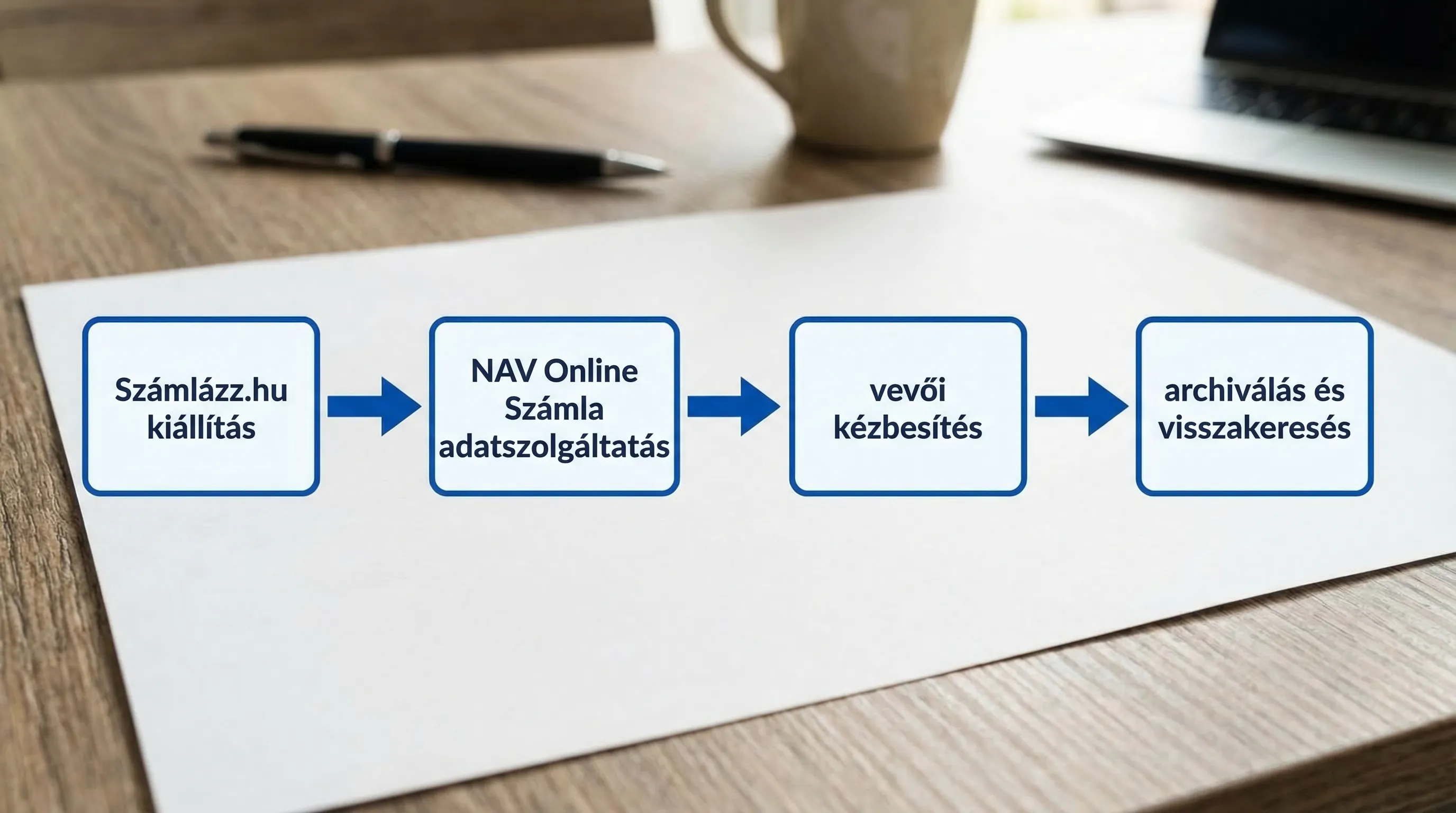
If you're just turning it on or have changed the settings, this quick test will help you avoid a lot of trouble:
Issue one test invoice for a domestic VAT-registered customer, one for a VAT-exempt or special VAT case (if applicable), and one in a foreign currency (if applicable).
Check to see if the recipient received it and exactly what they received (file, format, attachment).
Check the status with the NAV (submitted, accepted, rejected), and if it’s rejected, make sure there’s a way to correct it.
Download it and save it to the archive, then try searching for it using the serial number and customer ID.
If this test doesn't run smoothly, it won't work in a live environment either.
When is it worth bringing in outside help?
The settings for Számlázz.hu are often quick and easy to configure on their own; problems typically arise when processes and integrations are involved:
ERP, online store, CRM, or banking systems are connected, and issues such as data duplication, inconsistent master data, or accounting export problems arise.
Multiple locations, multiple companies, and multiple billing systems coexist.
There are compliance requirements (internal audit, ISO, NIS2), and access controls, logging, and audit trails are required.
The goal is automation from e-invoices to the general ledger, not just issuing invoices. A good starting point for this is: Digitizing Accounting: Automation from E-Invoices to the General Ledger.
At Syneo, we can support you with digital and IT consulting, as well as integration design and implementation—especially if your goal is not just to “get invoicing up and running,” but to create an auditable, scalable, and automated financial process. If you’d like, we can review your current invoicing and NAV processes with you and provide a brief, prioritized improvement plan (including quick wins and a risk list).
