Electronic receipts: when are they required, and how can you quickly implement them?
Digitalization
Electronic receipts: when and how to implement them quickly? | Syneo
Practical guide for SMEs and companies with multiple locations: when electronic receipts are recommended or mandatory, implementation models, and quick pilot steps lasting 2–4 weeks.
electronic receipt, e-receipt, digitization, POS, ERP, integration, SME, compliance, data protection, pilot
March 11, 2026
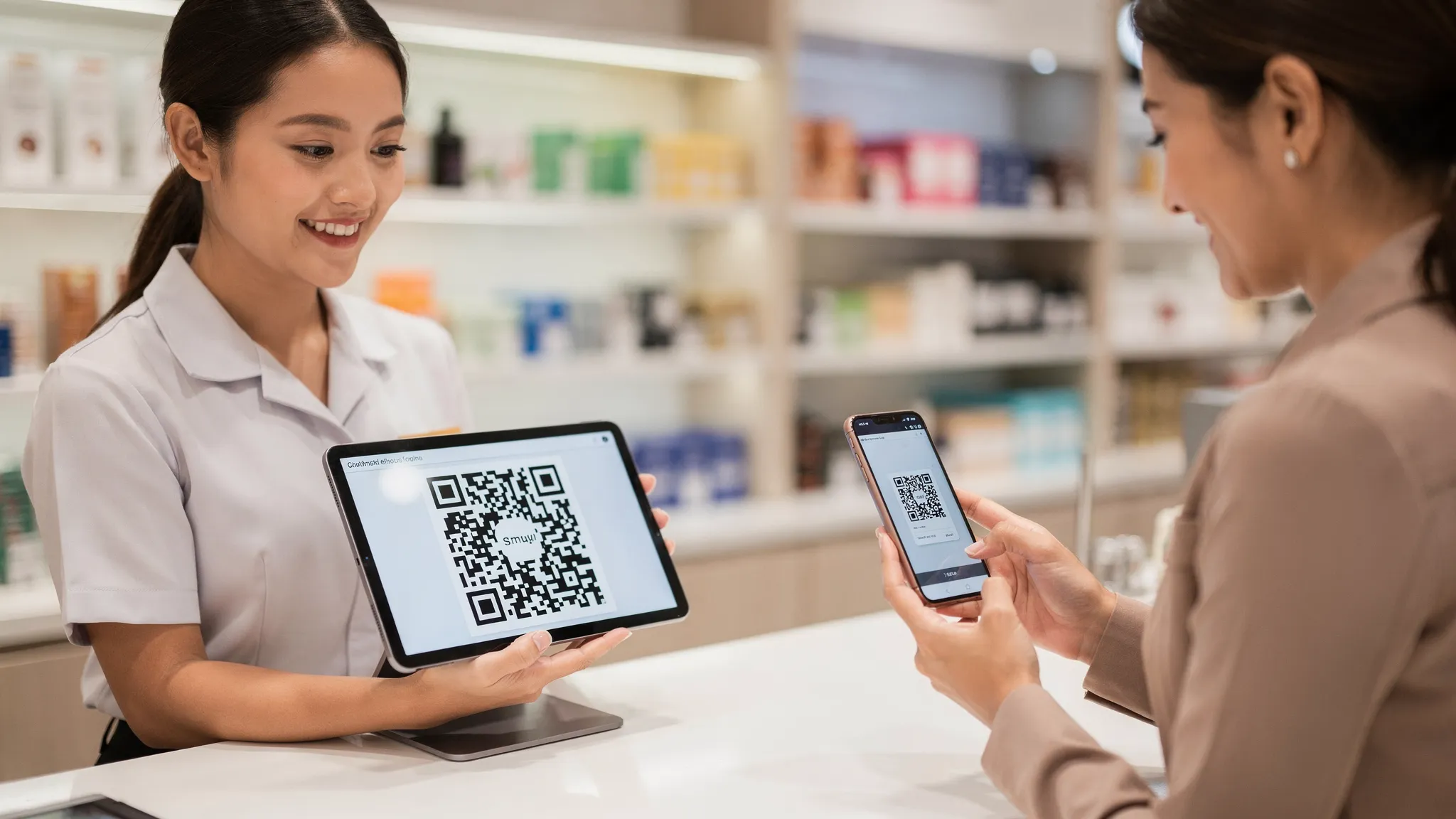
For many companies, electronic receipts are not "more administration," but a quickly recouped step toward digitization: they reduce paper and supply costs, speed up the checkout process, and provide clearer data for finance, operations, and management. The question is generally not whether it is "good," but when and how it can be introduced without disrupting service.
In this article, we will take a practical approach: when is an electronic receipt justified or necessary, what implementation options are available, and what steps can be taken to achieve a stable, auditable solution in 2–4 weeks (especially for SMEs and companies with multiple locations).
What is an electronic receipt, and how does it differ from an e-invoice?
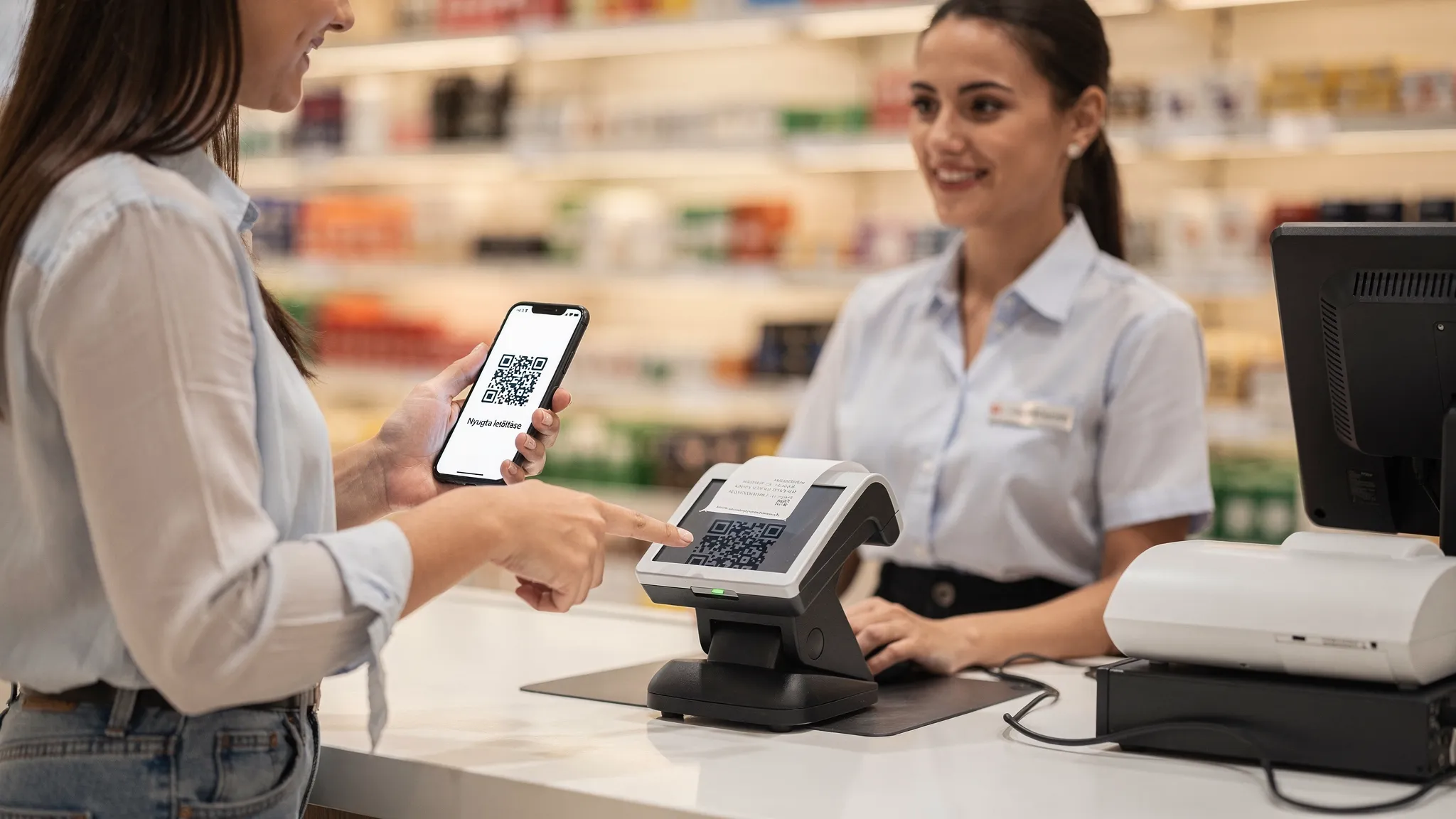
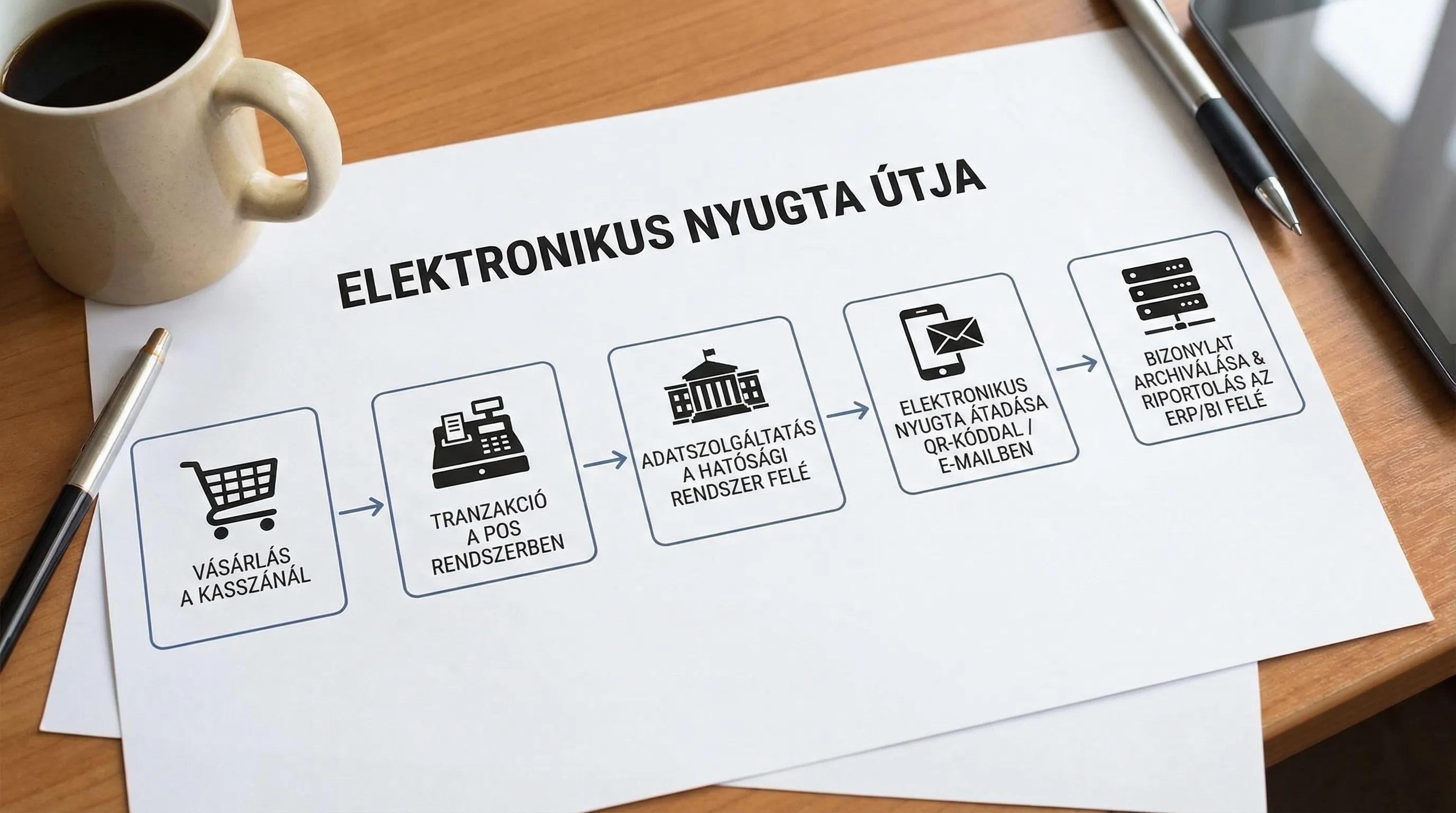
A receipt is typically the basic document for end-user (B2C) sales when the buyer does not request an invoice. An electronic receipt is the digital form of this: the buyer does not receive it on paper, but via a digital channel (e.g., QR code, email, app, customer account).
Important difference:
E-invoicing: invoices, invoicing process, archiving and authenticity requirements. If you are considering e-invoicing, we have a separate, detailed guide for this: E-invoicing 2026: new rules.
Electronic receipt: receipt issuance process with digital transfer, typically linked to a cash register/POS ecosystem.
In practice, the two areas overlap: the cash register, inventory, accounting, and reporting all want to work with the same data. Therefore, it is worth treating the implementation as a process and integration, not just as a "cash register function."
When is a receipt required, and when is an invoice sufficient (or mandatory)?
In general business situations, you issue a receipt when:
you sell a product or service (especially to private buyers),
and you do not issue an invoice for the transaction.
An invoice will be issued if:
the buyer requests an invoice,
or your business process (e.g., contractual B2B service) is structured around invoicing from the outset.
Specific obligations and exceptions depend on the industry, activity, payment method, and cash register use, so it is recommended to seek accounting and legal advice for interpretation of the rules. As a starting point for official information, it is worth following the information provided by the National Tax and Customs Administration (online cash registers, receipts): NAV.
The focus of this article is on how, if receipts are issued for business and/or compliance reasons, you can switch to electronic channels without increasing risk.
When is it worth introducing electronic receipts? (Typical triggers)
The most common "real" reasons for introducing electronic receipts are as follows.
1) Cost and operational simplification
Paper rolls, printer maintenance, supplies, and printing jams during peak times. If you have a lot of transactions, paper receipts are a significant expense and source of error.
2) Faster service and better customer experience
Electronic transfer (e.g., QR code) can reduce micro-delays caused by waiting for printing. In addition, the buyer can retrieve the receipt later (warranty, exchange, company accounting).
3) More accurate data for finance and controlling
Electronic receipts are not a BI project in themselves, but for many companies they are the first step towards standardizing master data, item numbers, VAT rates, and discount logic.
4) Multiple locations, franchises, or mixed system environments
The more cash registers there are, the greater the chance of heterogeneous settings and "every store doing things differently." The introduction of electronic receipts often goes hand in hand with standardization.
5) Integration pressure: ERP, inventory, e-commerce, loyalty program
If you already have ERP/CRM/CMS, then the fact that receipt data remains "isolated" will quickly become a problem. Our guide on system integration may be useful in this regard: System integration: ERP, CRM, and BI.
Electronic receipt implementation models: which one to choose?
The implementation path depends largely on your current cash register/POS environment and how critical continuous operation is (e.g., catering during peak hours).
The table below is a quick decision aid, not legal or product advice.
Starting position | Goal | Typical good solution direction | Main risk to watch out for |
Modern POS, API/integration available | Electronic transfer + central report | POS-side e-receipt function, integration with ERP/BI | Data model discrepancies (items, VAT, discounts) |
Older cash register, little integration | Fast "digital receipt" with minimal effort | Supplier upgrade/replacement, standardized checkout process | Transition time, risk of dropout |
Multiple locations, different cash registers | Standard and control | Consolidation, centralized configuration management | Lack of governance, differing operations come back to haunt |
E-commerce + in-store pickup | Uniform customer receipt experience | OMS/POS coordination, unified customer ID | Duplicate transactions, return processing |
“Quick start” in 2–4 weeks: a working, SME-friendly roadmap
Rapid implementation is realistic if the scope is narrow (e.g., 1 location, 1 POS type, 1–2 transfer channels) and the objectives have been decided. The logic is similar to a well-structured pilot: measurable objectives, short iterations, controlled risk. (If you like the sprint approach, this article is related to this way of thinking: AI pilot in 30 days, the methodology can also be used here.)
Week 1: assessment, decisions, minimum requirements
At this stage, you are not "choosing a system," but rather clarifying boundaries.
The most important points to clarify:
Where does the documentation take place (which locations, which cash registers, what kind of turnover)?
What will be the channel for electronic transfer (QR code, email, customer account)?
Is paper fallback necessary (e.g., customer requests it, no internet connection, error)?
What systems do you need data for (ERP, inventory, accounting, BI)?
Who is responsible for financial compliance and who is responsible for operations?
It is also worth defining what "ready" means in advance, for example: the end-of-day closing matches, returns can be tracked, receipts can be retrieved.
Week 2: Process plan and integration map
Most e-receipt projects fail not because of QR codes, but because of exceptions.
Critical processes that need to be mapped out:
cancellations and returns (including partial returns)
payment methods (cash, card, voucher, multiple payments)
discounts (coupons, promotions, employee discounts)
shift change, daily closing, cash report
offline situations (network failure, POS failure)
At the same time, an integration map will be drawn up, stating:
what is the "system of record" for product, price, and VAT data,
which system sends the data and which receives it,
what constitutes a successful transfer (e.g., confirmation, logging),
how you handle errors (retry, manual correction, queue).
Week 3: setup, testing, pilot operation environment
The goal is not to cover everything, but to quickly filter out the main risks.
Minimum test cases you should not go live without:
normal purchase and electronic receipt transfer
cancellation and receipt matching
returned goods and original receipt retrieval
daily closing reconciliation (POS vs. finance)
simulation of at least one real network disruption (what happens?)
Week 4: Go-live, hypercare, measurement
Hypercare during the first 1–2 weeks of live operation: quick response, cashier feedback, error ticket handling.
To measure success, it is worth setting KPIs in advance.
KPI | What does it measure? | Why it matters |
Transaction time (average/percentile) | How long does the payment take? | Peak-time lines, revenue capacity |
Electronic receipt ratio | E-receipt vs paper receipt | ROI and acceptance |
Error rate | Failed transfer, incorrect email, duplication | Customer complaints and operational burden |
Returns processing | How fast is the exchange/refund? | Customer experience and control |
Closing agreement | POS closing vs. financial report | Auditability and trust |
Data protection and information security: don't let "fast" become risky
With electronic receipts, questions quickly arise that were not prominent on paper.
Processing of personal data (e.g., email)
If you send the receipt by email, you are handling personal data. This is not usually a big deal, but you need to:
clear information (what you use the email for, how long you store it),
data minimization (only what is necessary),
control over access.
As a leading official source, it is worth checking the Hungarian data protection authority's website: NAIH.
Permissions and logging
The cash register system and admin interface are essentially a "financial system," so the minimum requirements are:
unique users (no shared cashier logins)
strong authentication for admin roles
logging: who changed what, when cancellations or returns occurred
If minimum security measures are already in place within the organization (e.g., NIS2 preparedness), it is advisable to include the e-receipt system in the same set of controls. Related: Cybersecurity for SMEs: 10 minimum controls for 2026.
Typical pitfalls that slow down or halt implementation
The following are not "IT problems," but operational realities.
A) Exceptions are not handled
Partial returns, multiple payment methods, discounts combined with coupons. If these are not tested, it will become apparent in real life.
B) No uniform item master and VAT logic
The POS, ERP, and webshop recognize the same product under different names and codes. In the case of electronic receipts, this quickly causes reporting and accounting problems.
C) Poor integration pattern (too many point-to-point connections)
If everything is "hard-wired" to everything else, change will be expensive. A simple, documented integration map will save you a lot of money.
D) Lack of change management
What matters to the cashier is whether it is faster and there are fewer complaints. Short, role-based training and a one-page description of "what to do in case of an error" is often worth more than another adjustment.
How can Syneo help with the introduction of electronic receipts?
The introduction of electronic receipts typically affects several areas: cash registers/POS, finance, IT operations, data protection, integration, and reporting. Syneo can typically support such projects by ensuring that the solution not only works, but also delivers measurable results and can be operated in an auditable manner:
Quick assessment and implementation plan (scope, risks, schedule)
integration planning towards ERP/CRM/BI
Establishing minimum information security standards and access management
Project management for predictable delivery (especially for multiple locations)
If you are currently facing this decision, it is worth starting with a short, targeted consultation, where the fastest, lowest-risk path can be identified based on your current cash flow process and system environment. Our article on predictable IT delivery is also related to this way of thinking: Project management in IT: how to make delivery predictable.