Choosing an online invoicing program: 10 questions to ask before making a decision
E-Invoice
Choosing an Online Invoicing Program: 10 Questions to Ask Before Making a Decision | Syneo
Practical Checklist for Selecting an Online Invoicing Solution in 2026: NAV and e-invoice management, integrations, TCO, archiving, permissions, and a pilot approach for fast, risk-controlled decision-making.
online invoicing, invoicing software, e-invoicing, NAV, integration, archiving, TCO, permissions, audit, pilot, ERP, digitization
April 13, 2026
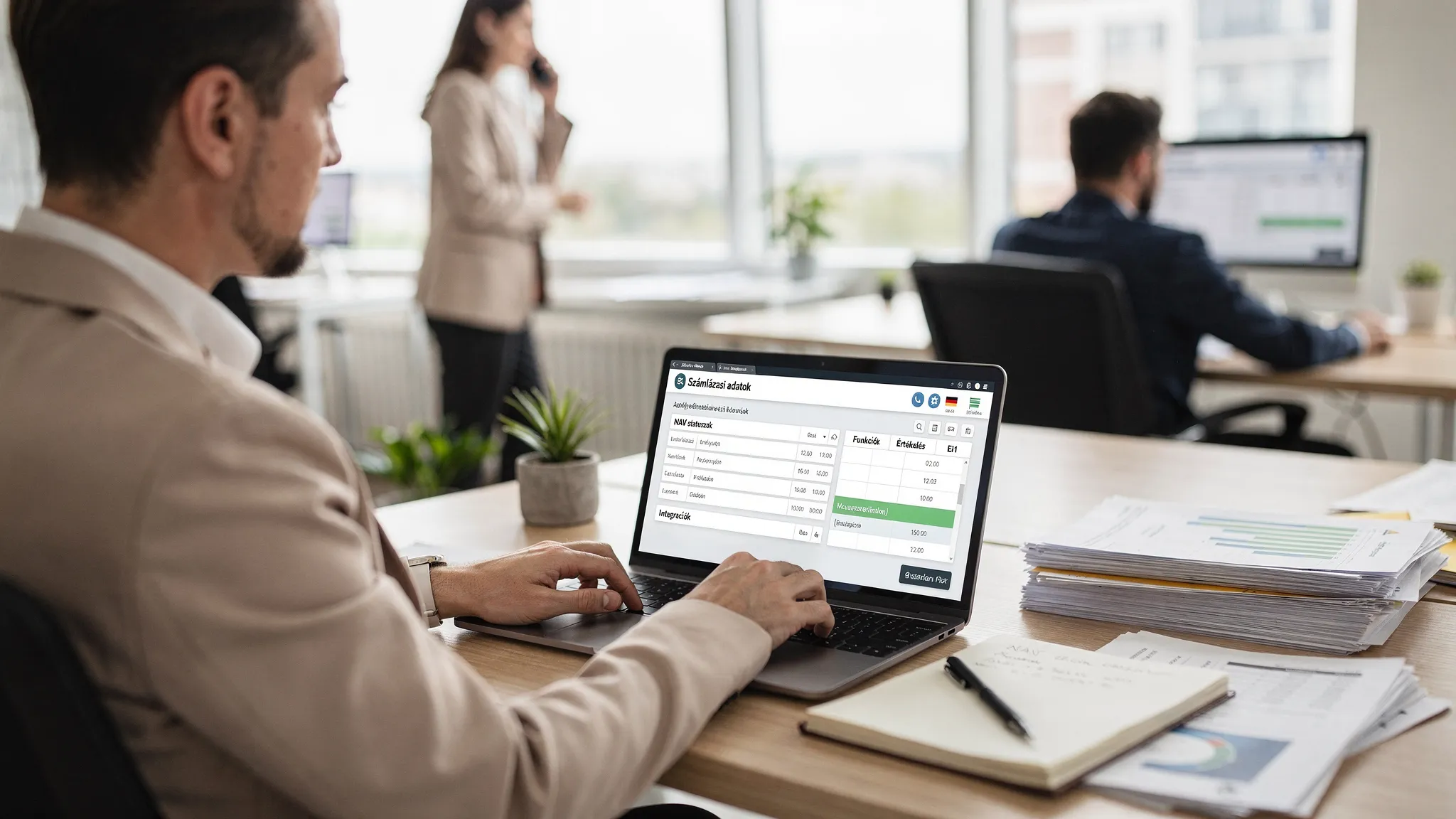
Today, an online invoicing program is no longer just an “invoice printer.” By 2026, it will typically serve as a financial data source, an integration hub (NAV Online Invoice, accounting, ERP, web store, bank), and is often a key component of e-invoice compliance. If you make the wrong choice, the cost won’t be in the license fee, but in bug fixes, manual workarounds, disputed invoices, and future migration.
The following 10 questions serve as a practical decision-making checklist. They are not intended to compare specific products, but rather to provide a framework that allows you to quickly filter out unsuitable solutions and conduct supplier demos in a targeted manner.
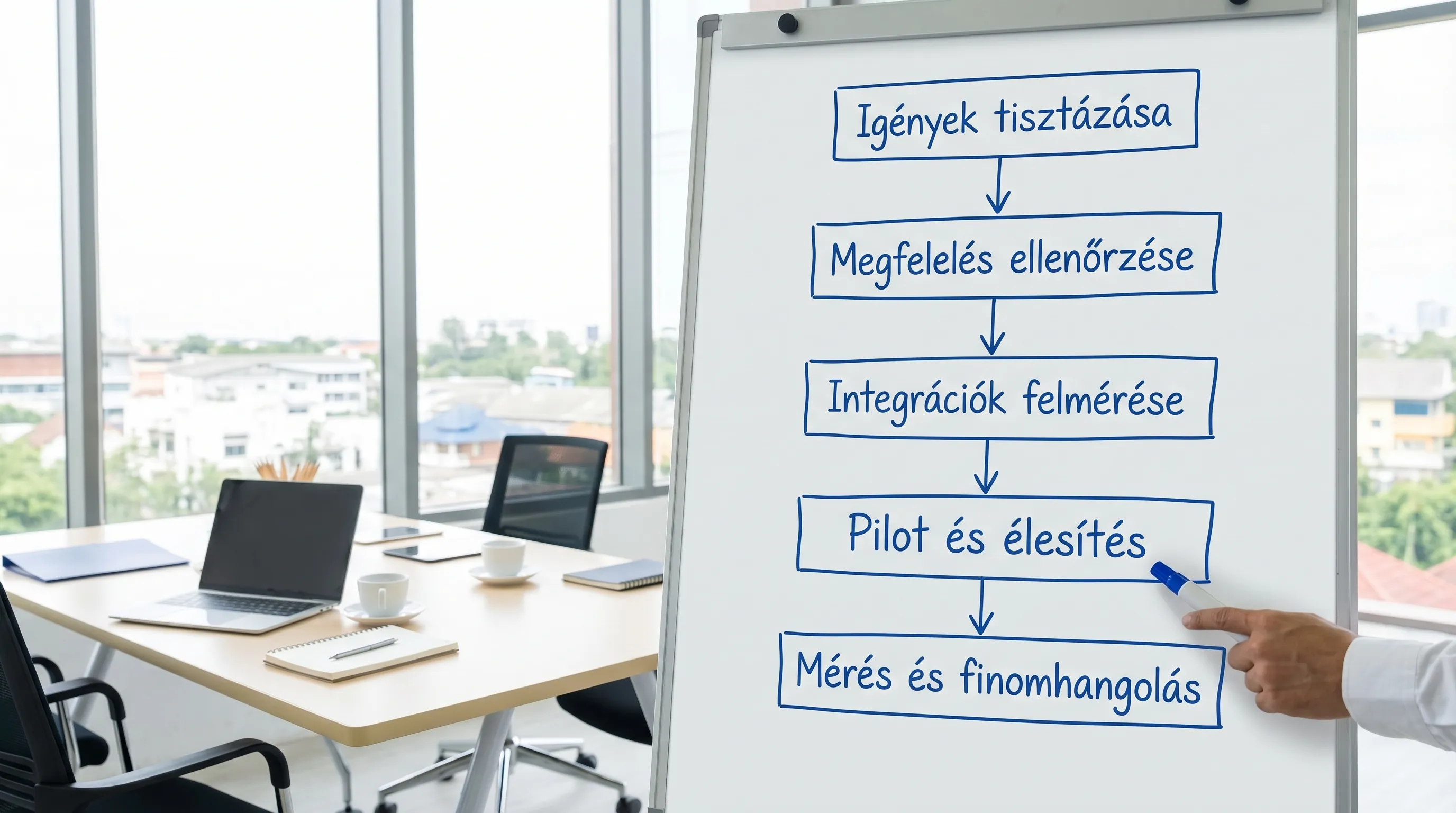
Step 0: Make sure you know what you’re signing up for (not just “billing”)
Before you look at the feature lists, write down your situation on one page. This will save you a lot of unnecessary back-and-forth during sales calls.
B2B, B2C, or a mix of both?
Domestic, EU, third countries, foreign currency accounts?
How many legal entities (a company, a group of companies), and how many business locations?
Who issues the invoice, and where is the data generated (online store, CRM, ERP, Excel)?
Which is the key objective: speed, automation, compliance, integration, or cost?
If you’d like to learn more about e-invoicing, here are some helpful resources: E-Invoicing 2026 and How to Implement Electronic Invoicing.
Choosing an online invoicing program: 10 questions to ask before making a decision
1) What types of accounts and special cases do you need to handle?
Most systems can handle “basic transactions”; the real differences become apparent in extreme cases. When selecting a system, start by gathering 10–20 real-world examples from the past 3–6 months.
Consider, among other things:
pro forma invoice, final invoice, partial invoice, invoice
cancellation, correction, refund of advance payment
reverse charge, intra-Community supply, export
foreign currency, separate exchange rate logic, multiple bank accounts
Typical combinations of performance dates and payment deadlines
A good question to ask the supplier: “Can we view these three specific invoices in the demo using our data?”
2) What is the account number, and when is the due date?
Volume isn't just about monthly numbers. The critical factor is peak periods: month-end, campaigns, seasons, and online store promotions. If the system slows down during these times, both the finance and customer service departments will be overwhelmed.
Ask about it:
Is batch invoice generation available, and what are the limitations?
how the service scales during peak hours
Are there any limits on API usage, and how is an overload indicated?
3) How does NAV handle data reporting and errors in the Online Invoice system?
In Hungary, this is not an optional matter. The question is not whether the data is "submitted," but how reliable it is in practice.
Check:
Can the NAV status and the reason for the error be viewed at the invoice level?
Is there an automatic retry mechanism and human review?
Can we log who made what changes and when?
For more information on NAV's technical infrastructure: NAV Online Invoice.
If you encounter many NAV errors during operation, it’s a good idea to establish a separate error-handling routine; related material: NAV e-invoices: common errors and quick solutions.
4) E-invoicing and EN 16931: Are you truly ready for the structured world?
By 2026, simply saying “I’ll send you a PDF via email” will no longer suffice in many situations. An increasing number of companies and partners are requesting structured e-invoices, and due to standardization (such as EN 16931), the issue of outgoing and incoming formats has become a strategic one.
Ask about it:
What e-invoice formats does the system support (and which versions)?
Can you generate a structured invoice on the outgoing side, and how is the validation performed?
To what extent can the incoming documents (vendor invoices) be integrated with accounting automation?
If you are also involved from a developer or operator perspective, here is some related in-depth material: Electronic Invoices in XML Format.
5) What integrations do you need, and is there a "clean" way to connect them?
An online invoicing program only delivers a real ROI if you don’t have to manually copy data from it. At the very least, you need to consider how it integrates with your accounting system and how it can be used for financial automation.
Typical integrations:
accounting software, general ledger, ERP
Online store and order management
banking and accounts receivable management
CRM (converting quotes to invoices, synchronizing customer data)
On the technical side, look for APIs, webhooks, and export options, and check whether there is a documented, stable integration interface. If you have multiple systems, a useful framework is: System Integration: Connecting ERP, CRM, and BI.
6) Permissions, roles, logging: Can you establish auditable internal controls?
Invoicing involves financial risk, so access control is not an “afterthought.” The minimum requirements are role-based access control, separate admin roles, and an auditable log.
Ask about it:
Can you define roles (exhibitions, approvals, finance, administration)?
Is MFA enabled for admin accounts, and what is the security level?
Can the audit log be exported (and how long is it retained)?
Recommended reading on security: E-invoice login: access management and minimum requirements.
7) Archiving and verifiability: Where will the invoice be in 8 years?
A common blind spot in decision-making: “We’ll download it as a PDF today” or “The service provider will keep it.” The question is whether the material can be verifiably retrieved, remains intact, and can be exported in the event of an audit or a system migration.
Check:
What retention and retrieval features are available?
how versions are managed (chain of revisions)
How can I export data in bulk (not just by clicking)?
The archiving checklist is particularly important for e-invoices: E-invoice 2026: Checklist for Issuance and Archiving.
8) What is the total cost of ownership (TCO), and what are the “hidden” costs?
The license fee alone does not constitute the total cost of ownership (TCO). By 2026, for many companies, the majority of costs will stem from integration, processes, controls, training, and exception handling.
Ask about it in advance:
Are there any transaction-based fees (account number, API call, e-invoice per item)?
What is the actual cost of implementation and customization (including internal labor hours)?
support, SLA, premium customer service surcharge
Cost of data extraction and migration (if you decide to switch later)
9) What kind of support do you receive, and how does incident management work?
Invoicing is a matter of business continuity. If the connection to the National Tax and Customs Administration (NAV) goes down on Friday afternoon or invoices aren’t being sent out, it makes a real difference whether you’re told to “send an email” or receive a meaningful response.
Check it out:
Is there an acceptable SLA, and how is it measured?
Is there a status page? Maintenance communications
how they handle version changes and to what extent they "break" integration
10) What is your exit strategy, and how sustainable is that choice?
Most companies don’t switch invoicing providers every year, but a lot can change over the course of 3–5 years: a new ERP system, a new company, a new country, or a new e-invoicing channel. In such cases, the online invoicing software should be scalable and allow for a smooth transition out of the system.
Try this:
How to export all data (invoices, partners, products, logos)
Do you manage multiple companies? Group structure
at what pace and how they keep up with changes in legislation and formats
Quick Evaluation Matrix (Sample) for Comparing Suppliers
The simplest method: 6–8 criteria, each with a short question and a score of 1–5. This way, you won’t be making decisions based on a “gut feeling.”
Criterion | Rate this (1–5) | What proof do you want? |
NAV Stability and Error Handling | Statuses, error log, retry, feedback | Demo with a real error, log sample, described process |
E-invoice/EN 16931 readiness | Formats, validation, future roadmap | Sample files, validation report |
Integrations | API, webhooks, export, documentation | API documentation, sandbox, reference |
Authorization and Audit | RBAC, MFA, audit log, SoD | List of roles, sample audit log export |
Archiving and Export | Archiving, retrieval, bulk export | Archiving process, export formats |
TCO and Contract | Transparent fees, SLAs, exit terms | Pricing table, SLA, contract templates |
Typical "good choice" examples (to give you an idea of where to start)
Situation | What is typically decisive | Something many people underestimate |
Microenterprise, few invoices | Simplicity, quick setup, basic NAV | Export, cost of subsequent conversion |
Growing SME, online store | Automated billing, integrations | Handling exceptions, peak load |
Multiple locations, multiple roles | Authorizations, auditing, process control | Access security, separation of administrative roles |
ERP environment, corporate finance | Integration, structured e-invoicing, architecture | The Impact of Version Changes on Integration |
FAQ
What is the best online invoicing software in 2026? “Best” means the one that fits your specific needs. The purpose of the 10 questions above is to help you optimize your choice based on your own processes, integrations, and compliance requirements—not on a general ranking.
What should I look for when connecting to NAV Online Invoicing? Don’t just check that the “connection is green”; also consider how errors are handled, whether there is invoice-level status tracking, logging, resend logic, and a responsible process.
Is a digital signature required for e-invoices? Not always; compliance can be ensured in several ways (process control, channel, archiving). Useful for decision-making: Digital signatures for electronic invoices: will they be required in 2026?
How do I know if my archiving system is audit-ready? It’s considered ready if data integrity can be verified, retrieval is fast, and all necessary evidence can be produced quickly for an audit. Starting point: E-invoice 2026 checklist.
When should you bring in an integration partner (consultant)? If you’re working with an ERP system, an online store, multiple locations, numerous roles, or e-invoice formats, the “let’s just plug it in” approach often ends up being costly down the line. In such cases, planning the requirements list, the pilot, and auditable operations will yield a quick return on investment.
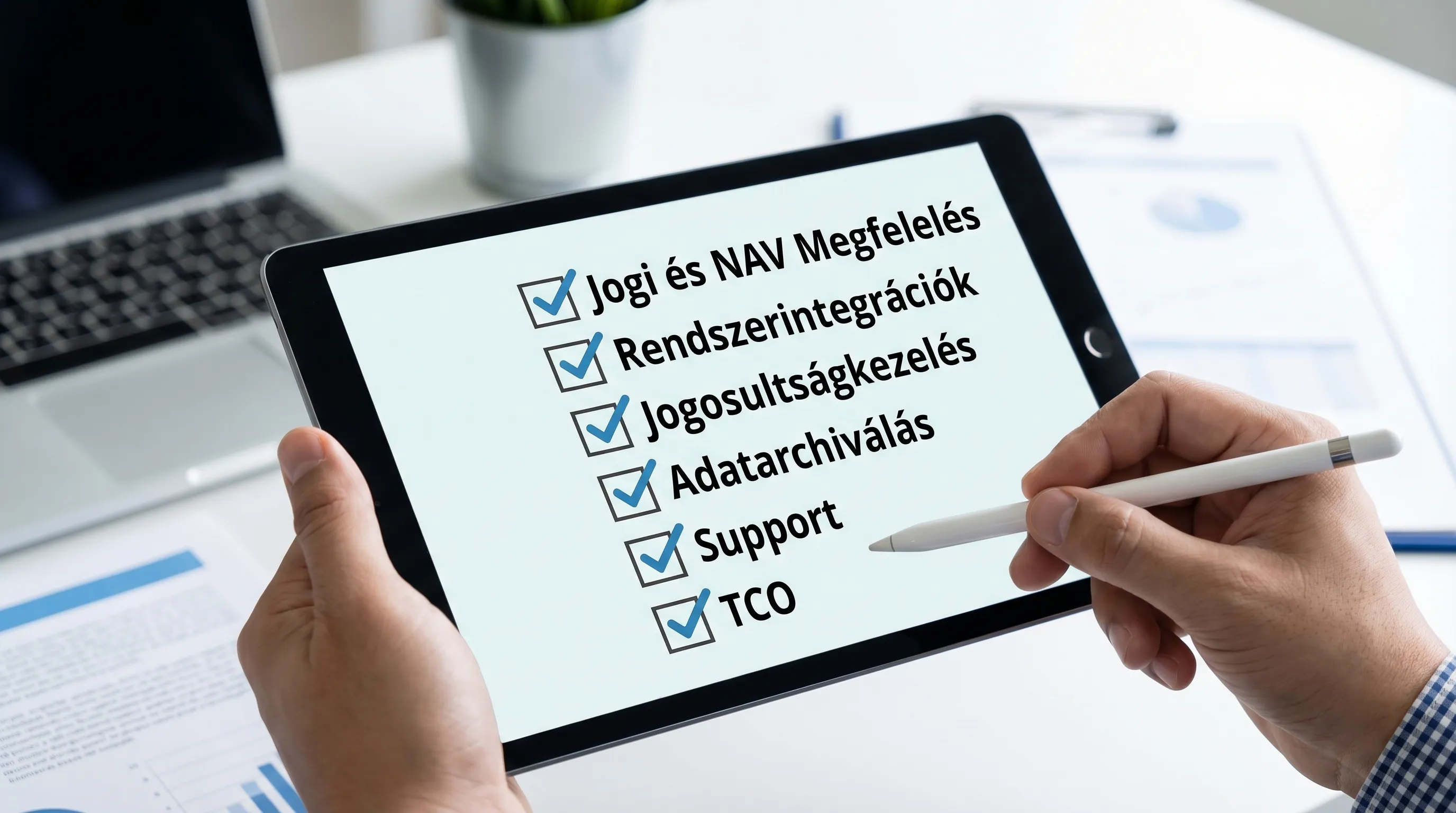
Next step: Run a 2-week “selection pilot” with no risk
If you want to quickly narrow down the list of candidates, it’s a good idea to run a short, structured pilot selection process: by reviewing actual account examples, NAV statuses, integration options, permissions, and archiving functionality.
The Syneo team supports companies in IT and e-invoicing projects by assisting with requirements definition, integration planning, and implementation. If you’d like a vendor comparison matrix tailored to your processes or stable NAV and ERP integration, check out our services on the Syneo website or contact us for a brief consultation.
